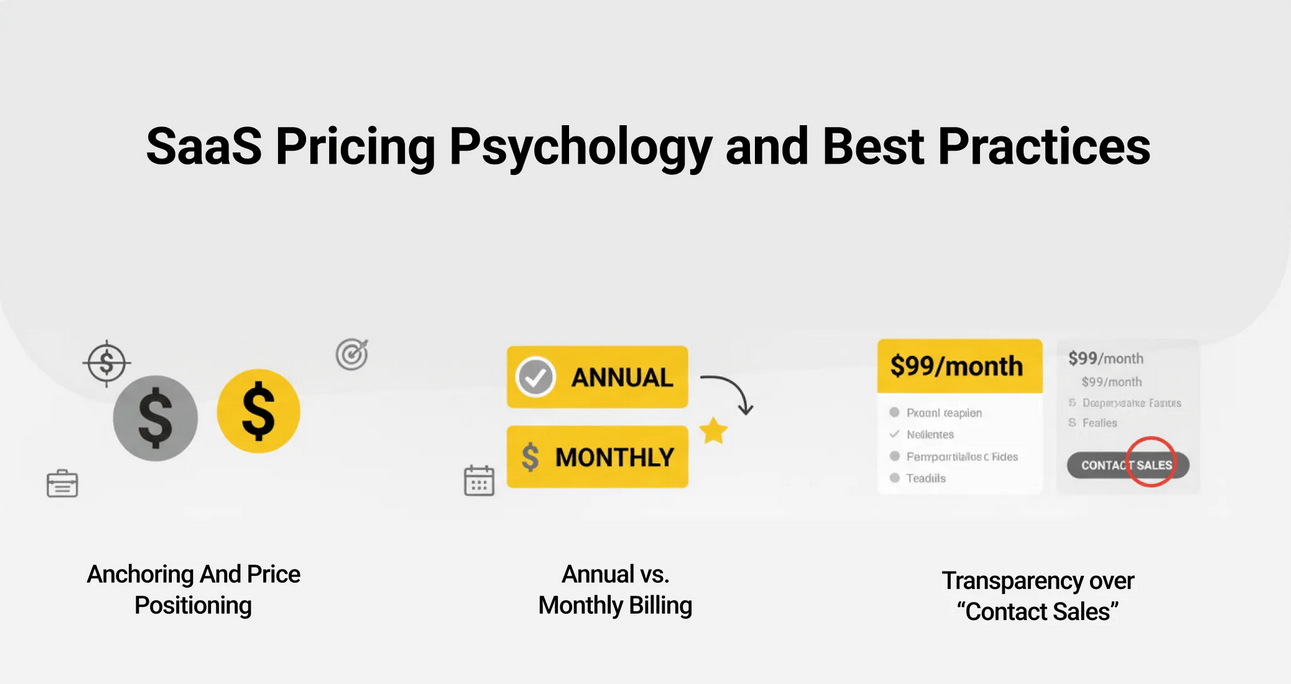
In today’s digital economy, Finance Software-as-a-Service (SaaS) solutions have become essential tools for businesses seeking efficiency, scalability, and cost control. From accounting platforms to enterprise financial planning systems, companies increasingly rely on cloud-based tools like QuickBooks Online, Xero, and SAP S/4HANA Cloud to manage financial operations.
However, one of the most critical—and often confusing—aspects of adopting Finance SaaS is understanding pricing models. Unlike traditional software, SaaS pricing is dynamic, flexible, and sometimes complex.
In this comprehensive guide, we’ll break down Finance SaaS pricing models, explain how they work, and help you understand what to expect when choosing a solution for your business.
What Is Finance SaaS?
Finance SaaS refers to cloud-based financial software delivered via subscription over the internet. Instead of installing software locally, businesses access it through a web browser or app.
These platforms typically include:
- Accounting and bookkeeping
- Billing and invoicing
- Financial reporting
- Payroll management
- Budgeting and forecasting
- Compliance and tax management
Popular providers like Intuit and Oracle have shifted much of their offerings to SaaS models, reflecting the growing demand for cloud-based solutions.
Why Pricing Models Matter
Understanding pricing models is crucial because it directly impacts:
- Total cost of ownership (TCO)
- Scalability as your business grows
- Feature accessibility
- Return on investment (ROI)
A poorly chosen pricing model can lead to unexpected costs, limited functionality, or inefficiencies.
Common Finance SaaS Pricing Models
Let’s explore the most widely used pricing structures in Finance SaaS.
1. Subscription-Based Pricing
This is the most common model used by platforms like FreshBooks.
How It Works:
- Users pay a fixed monthly or annual fee
- Pricing is often tiered (Basic, Standard, Premium)
Example:
- Basic Plan: $10/month
- Pro Plan: $30/month
- Enterprise Plan: Custom pricing
Advantages:
- Predictable costs
- Easy budgeting
- Regular updates included
Disadvantages:
- May pay for unused features
- Costs accumulate over time
Best For:
Small to medium businesses needing consistent access to financial tools.
2. Per-User Pricing
Used by platforms like NetSuite, this model charges based on the number of users.
How It Works:
- Base subscription fee + cost per user
Example:
- Base: $50/month
- Additional users: $10/user/month
Advantages:
- Scales with team size
- Fair for small teams
Disadvantages:
- Expensive for large organizations
- Can discourage collaboration (to save costs)
Best For:
Growing companies with expanding finance teams.
3. Usage-Based Pricing (Pay-as-You-Go)
This model charges based on actual usage, common in fintech platforms and APIs.
How It Works:
- Pay per transaction, invoice, or data usage
Example:
- $0.10 per invoice processed
- $1 per financial report generated
Advantages:
- Highly flexible
- Pay only for what you use
Disadvantages:
- Unpredictable costs
- Harder to budget
Best For:
Businesses with fluctuating financial activity.
4. Tiered Pricing
Tiered pricing combines multiple features and usage limits into packages.
How It Works:
- Each tier offers more features and higher limits
Example:
- Starter: 100 invoices/month
- Growth: 1,000 invoices/month
- Enterprise: Unlimited
Advantages:
- Clear upgrade path
- Flexible for different business sizes
Disadvantages:
- May force upgrades for minor needs
- Feature lock-in at lower tiers
Best For:
Businesses planning to scale over time.
5. Feature-Based Pricing
In this model, users pay based on the features they need.
How It Works:
- Core platform + add-ons
Example:
- Base accounting: $20/month
- Payroll module: +$15/month
- Advanced analytics: +$25/month
Advantages:
- Customizable
- Cost-efficient if used wisely
Disadvantages:
- Can become expensive with multiple add-ons
- Complexity in choosing features
Best For:
Companies with specific, modular needs.
6. Freemium Model
Some platforms offer a free version with limited features.
How It Works:
- Basic features are free
- Advanced features require payment
Example:
- Free plan: basic invoicing
- Paid plan: automation, integrations
Advantages:
- Low entry barrier
- Try before you buy
Disadvantages:
- Limited functionality
- Upselling pressure
Best For:
Startups and freelancers testing tools.
7. Custom / Enterprise Pricing
Enterprise solutions like Workday Financial Management often use custom pricing.
How It Works:
- Pricing tailored to company size, needs, and integrations
Advantages:
- Fully customized solution
- Scalable for large organizations
Disadvantages:
- Lack of transparency
- Requires negotiation
Best For:
Large enterprises with complex financial operations.
Hidden Costs to Watch Out For
Even if a pricing model seems straightforward, hidden costs can significantly impact your budget.
1. Implementation Fees
Initial setup, data migration, and onboarding can cost hundreds or thousands of dollars.
2. Integration Costs
Connecting with tools like CRM or ERP systems may require additional fees.
3. Training Costs
Employee training sessions or certifications can add up.
4. Support Fees
Premium support (24/7, dedicated account managers) may not be included.
5. Data Storage Fees
Some platforms charge for additional storage or large datasets.
Factors That Influence Pricing
Finance SaaS pricing is not random. Several factors determine how much you’ll pay:
1. Company Size
Larger organizations typically pay more due to higher usage and complexity.
2. Number of Users
More users = higher costs in per-user models.
3. Feature Requirements
Advanced features like AI forecasting or compliance tools increase pricing.
4. Data Volume
High transaction volumes or large datasets may incur additional fees.
5. Industry Requirements
Highly regulated industries (finance, healthcare) often require premium features.
Comparing Pricing Models: Which One Is Right?
Choosing the right pricing model depends on your business needs.
| Business Type | Recommended Model |
|---|---|
| Freelancer | Freemium or Basic Subscription |
| Small Business | Tiered or Subscription |
| Growing Startup | Per-User or Tiered |
| Enterprise | Custom Pricing |
| Seasonal Business | Usage-Based |
Cost Optimization Strategies
To get the most value from Finance SaaS, consider these strategies:
1. Start Small
Begin with a basic plan and upgrade as needed.
2. Audit Usage Regularly
Remove inactive users or unused features.
3. Negotiate Contracts
Enterprise vendors often offer discounts for long-term commitments.
4. Bundle Services
Some providers offer discounts when bundling multiple modules.
5. Monitor ROI
Ensure the software delivers measurable financial benefits.
Trends in Finance SaaS Pricing (2026 and Beyond)
The SaaS pricing landscape continues to evolve. Here are key trends shaping the future:
1. AI-Based Pricing
Platforms are beginning to price based on AI-driven insights and automation value.
2. Outcome-Based Pricing
Businesses may pay based on results (e.g., cost savings, efficiency gains).
3. Hybrid Models
Combining subscription + usage-based pricing is becoming more common.
4. Transparent Pricing
Vendors are moving toward clearer, more predictable pricing structures.
Questions to Ask Before Choosing a Pricing Model
Before committing to a Finance SaaS provider, ask:
- What is included in the base price?
- Are there hidden fees?
- How does pricing scale with growth?
- What happens if usage exceeds limits?
- Is there a free trial or demo?
- What support is included?
Real-World Example
Let’s say a small business chooses Zoho Books:
- Subscription: $20/month
- Additional users: $5/user
- Payroll add-on: $10/month
Total monthly cost:
- Base: $20
- 3 users: $15
- Payroll: $10
Total: $45/month
As the business grows, upgrading to a higher tier may increase costs but unlock automation and reporting features.
Pros and Cons of Finance SaaS Pricing Models
Pros:
- Flexible and scalable
- Lower upfront costs
- Continuous updates
- Accessible from anywhere
Cons:
- Long-term costs can exceed traditional software
- Complexity in pricing structures
- Dependency on vendor
Final Thoughts
Finance SaaS pricing models are designed to provide flexibility, scalability, and accessibility—but they can also be complex. Whether you choose a subscription-based plan, usage-based pricing, or a custom enterprise solution, understanding the structure behind the pricing is essential.
The key is to align the pricing model with your business goals, usage patterns, and growth plans. By carefully evaluating your needs and monitoring costs, you can maximize the value of your Finance SaaS investment.
As tools like QuickBooks Online and Xero continue to evolve, businesses that understand pricing models will be better positioned to make smart financial decisions and stay competitive in an increasingly digital world.